Capital Photography Center Workshop
Lightroom Mobile for Phones and Tablets
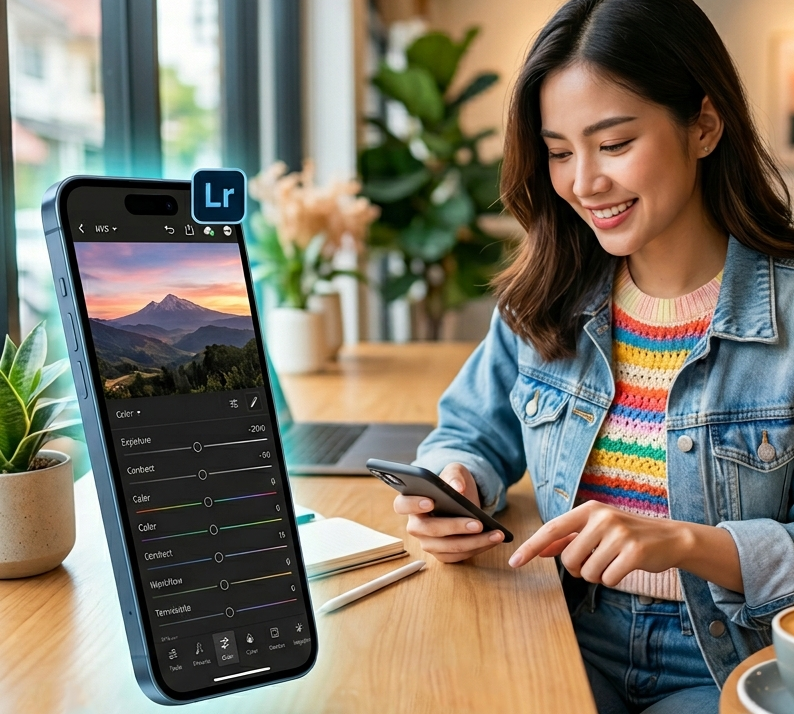
Turn your smartphone or tablet into a powerful creative studio in this hands-on class exploring the artistic possibilities of Adobe Lightroom Mobile.
Designed for photographers, and visual storytellers of all levels, this hands-on class walks you through how to transform everyday photos into polished, professional-quality images entirely on a smartphone or tablet. Learn to navigate the workspace with confidence and unlock the storytelling power of your images through light, color, and texture. We’ll also cover the powerful masking and selective adjustments
Whether you are using the free version or the full subscription, you’ll be on your way to developing a personal editing style that brings a professional edge to your smartphone photography.
Topics include:
The Lightroom Mobile workspace
The difference between free features and powerful subscription tools
Editing tools to control light, color, and composition
Masking and selective adjustments to apply precise edits exactly where they are needed
Using presets to ensure workflow efficiency
How to save and export high-quality images optimized for sharing, social media, or print
This class is designed for users of iOS and Android mobile devices (Michael will be using an iPhone for demonstration).
Participants should bring a fully charged smartphone or tablet with Lightroom Mobile already installed. It will be helpful to have a collection photos you’d like to use and edit with Lightroom Mobile.
Class limit: 8 - 10
Register here: http://capitalphotographycenter.com/